

USA
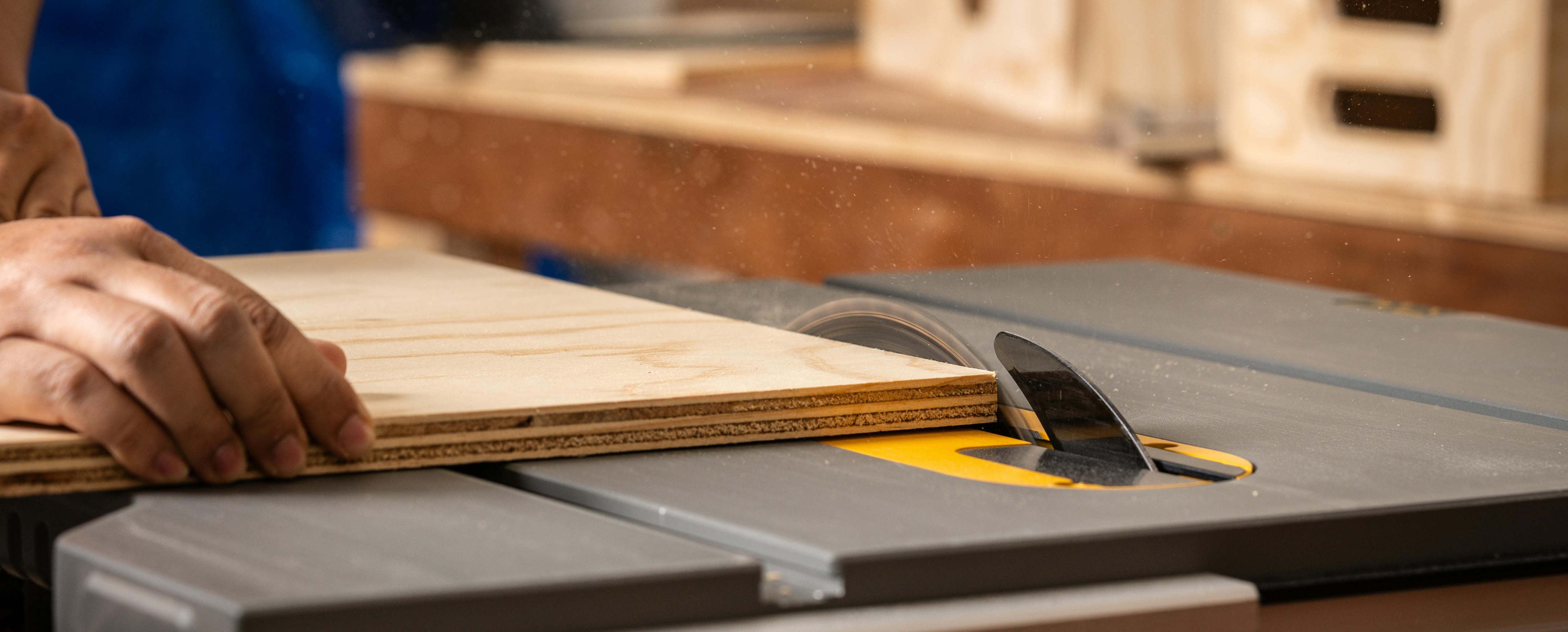
Why Your Plywood Edges Look Rough (And How to Fix It)
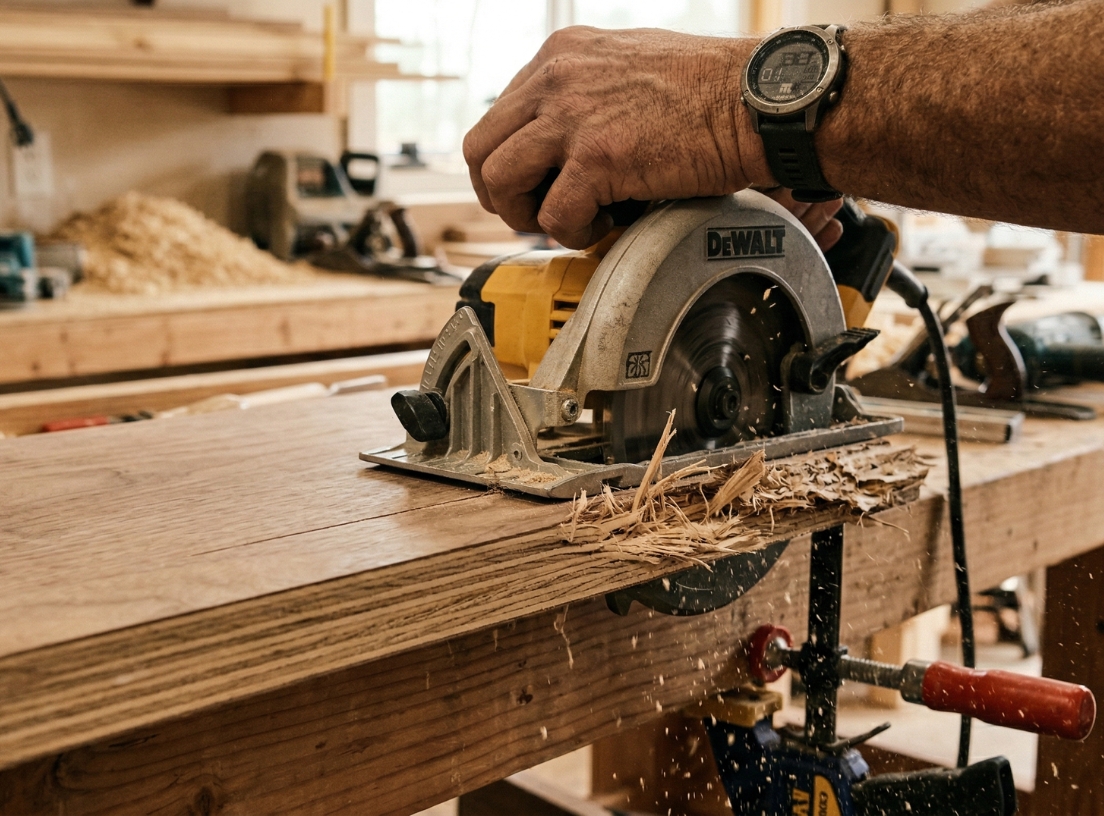
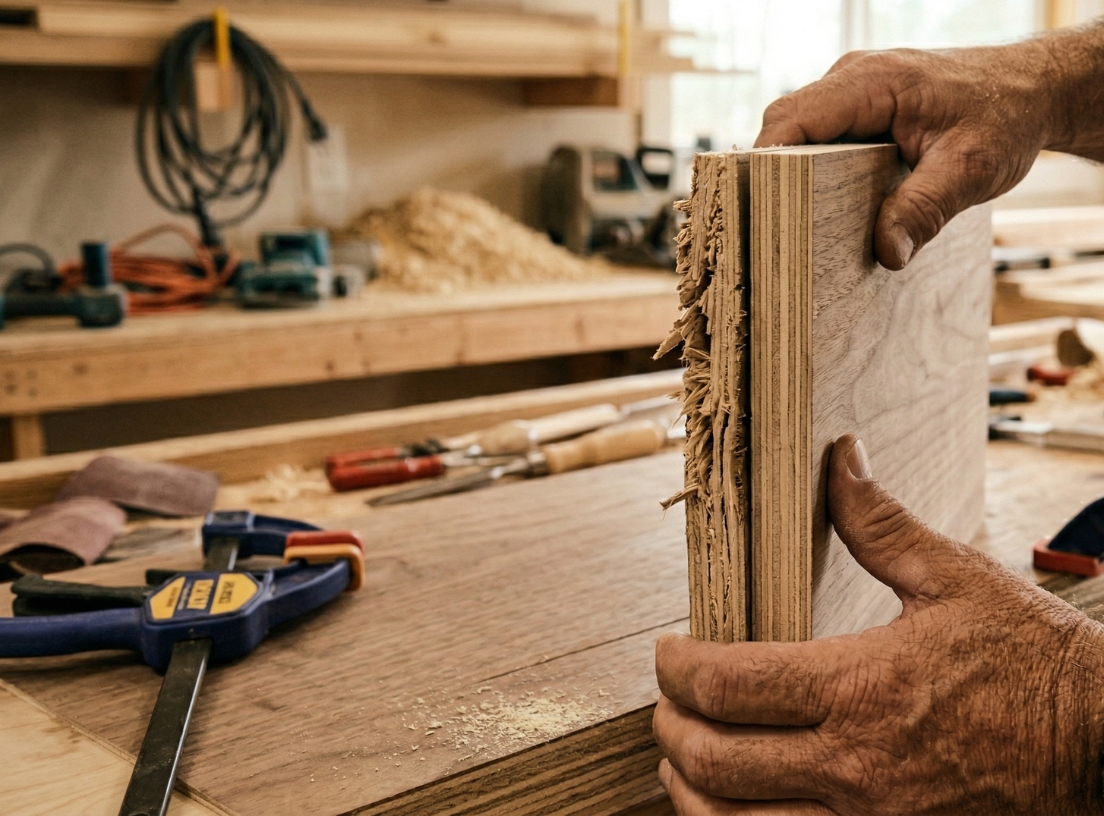
If your plywood edges look rough, chipped, or splintered after cutting, you're not alone.
This is one of the most common issues DIYers face when working with plywood.
The good news?
It’s usually not the material, it’s the technique.
Let’s break down the real reasons behind rough edges and how to fix them.
1. You’re Using the Wrong Blade
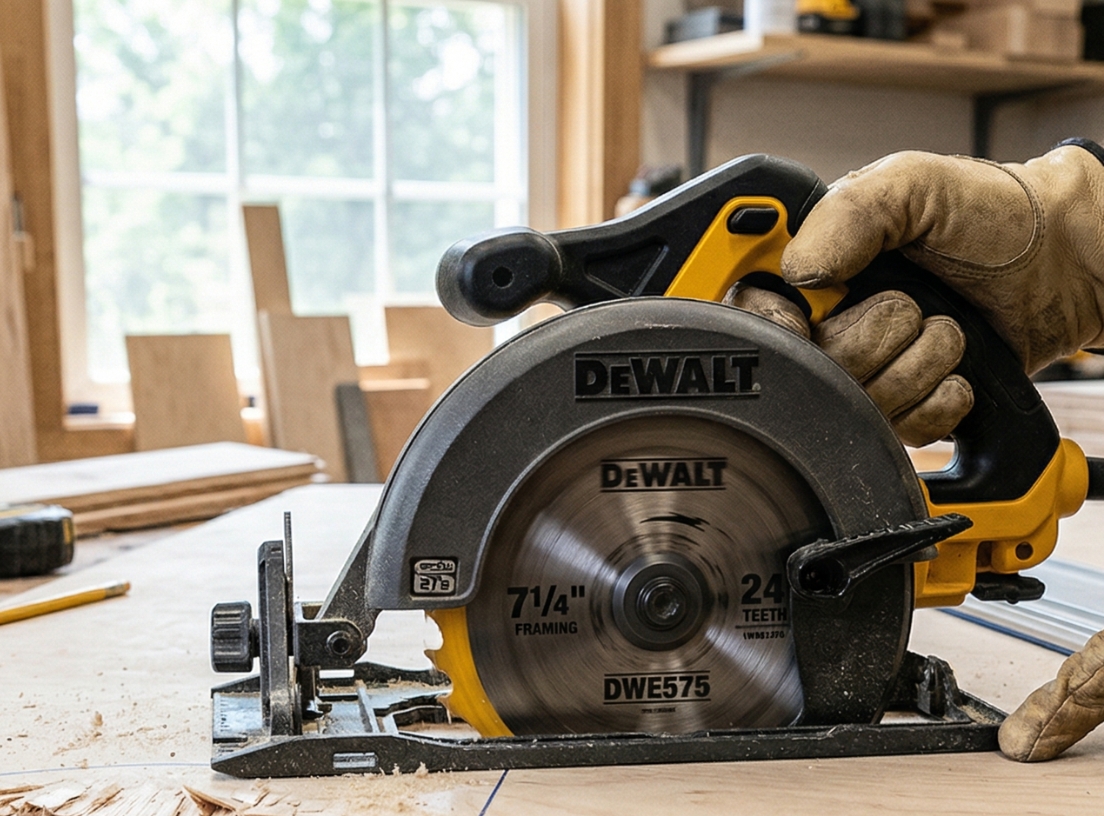
Not all saw blades are made for clean cuts in plywood.
A general-purpose blade can tear the wood fibers instead of cutting them cleanly, leaving you with rough, uneven edges.
What to do instead:
2. You're Cutting Too Fast
Cutting too quickly can cause splintering, especially on the top veneer layer.
Fix it:
3. You're Not Supporting the Panel Properly
If the plywood moves or vibrates during the cut, the edge will come out uneven.
Fix it:
4. You're Cutting on the Wrong Side
Most tear-out happens on the side where the blade exits the wood.
Tip:
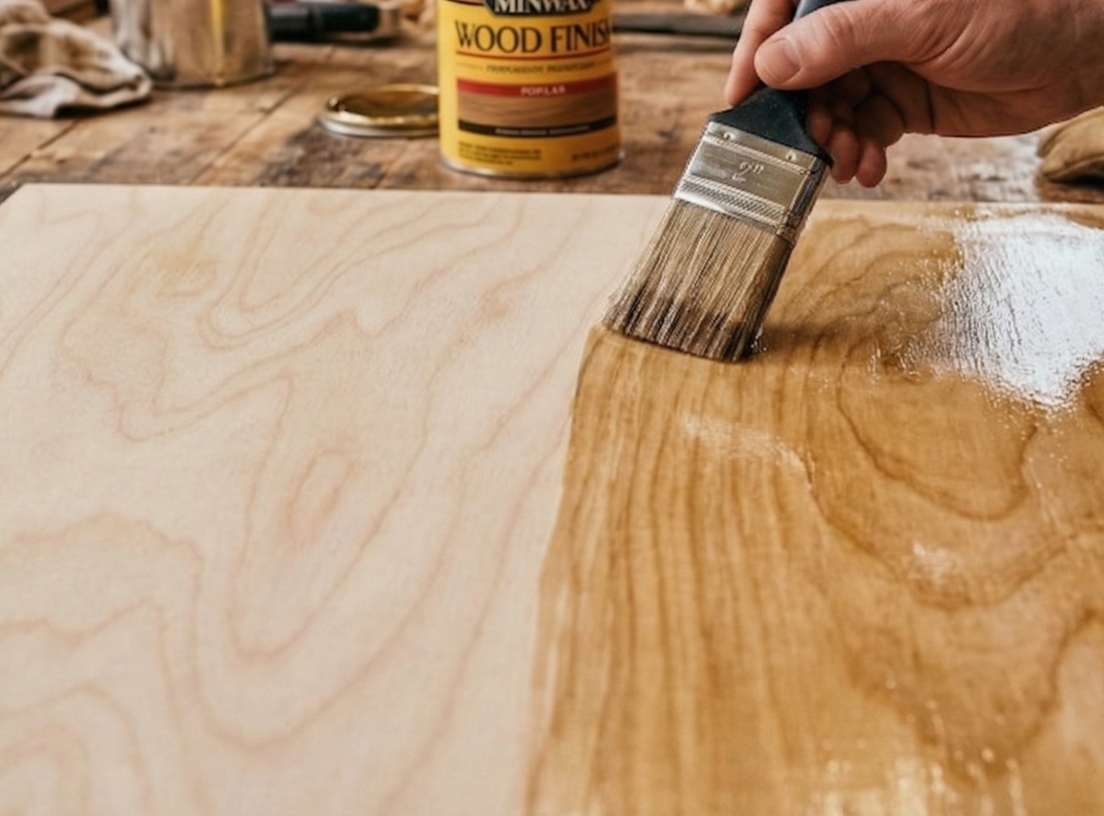
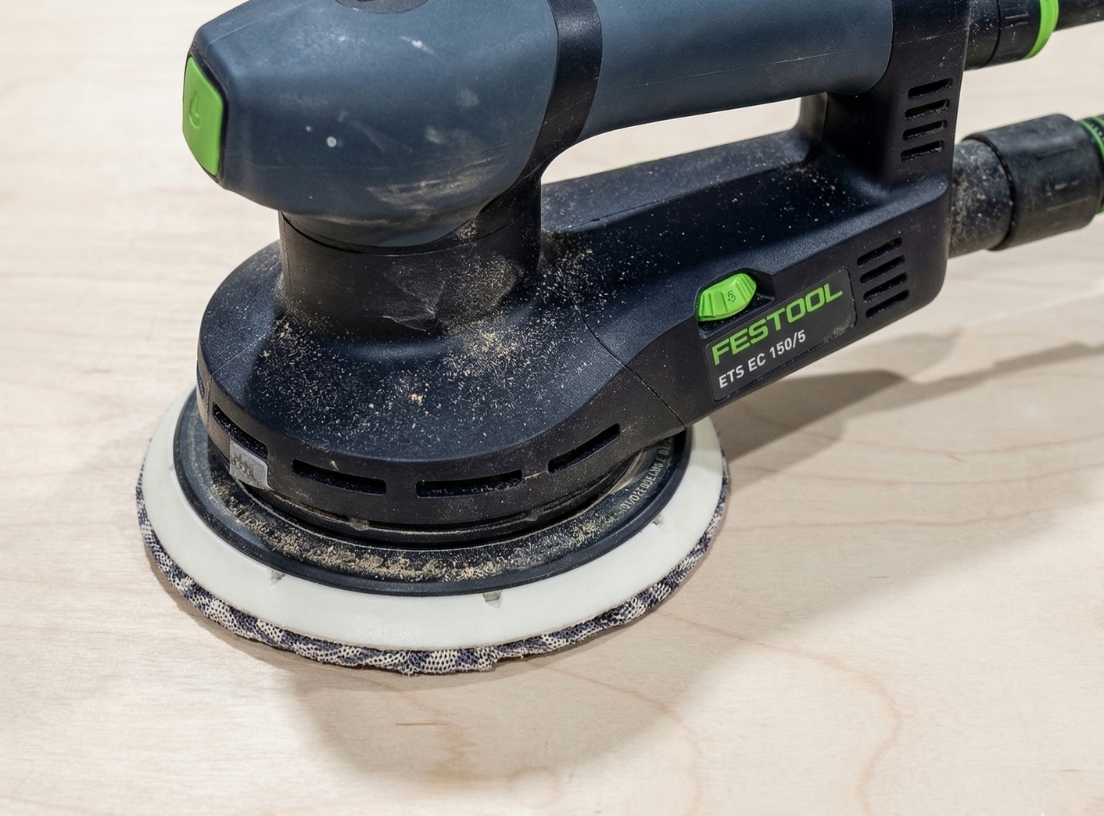
5. You're Over-Sanding (or Skipping the Right Finish)
Many people try to fix rough edges by sanding too aggressively — which can actually make things worse.
Do this instead:
Rough plywood edges are not a material problem, they’re a process problem.
With the right blade, proper cutting technique, and minimal finishing, you can achieve clean, professional-looking edges every time.
Whether you're building cabinets, shelves, or a weekend DIY project, small adjustments make a big difference.
Find the Right Plywood for Your Project
Choosing the right panel also helps improve your results from the start.
You can find high-quality hardwood plywood panels at Lowe's, ready for your next project.


%20(1).png)
%20(1).png)


